
.svg)
What Professional Google Shopping Ads Management Looks Like


We constantly see Google Ads accounts leaking budgets. Not in obvious ways; the problems are usually foundational. Tracking is off. Campaigns compete against each other. Product feeds don’t give Google enough data to do its job properly.
From the outside, the account might look fine. Spend is going out, conversions are happening, ROAS is decent. But once you go deeper, you start seeing where performance is being held back.
After auditing hundreds of eCommerce accounts, we see the same patterns over and over again. Fixing them doesn’t require a bigger budget or constant creative refreshes. Most of the time, the biggest wins come from getting the fundamentals right.
That’s what professional Google Shopping Ads management actually looks like. Not constant testing for the sake of testing. Not chasing every new feature Google releases. Fix the foundation first. Then scale on top of something that actually works.

What Professional Google Shopping Ads Management Looks Like
It Starts With Data You Can Actually Trust
Before we touch structure, bidding, or creatives, we always start with a full audit. Because if your tracking is off, everything else breaks.
If the data is wrong, Google optimises toward the wrong signals. Bidding, campaign prioritisation, and product visibility all start to drift. One of the most common problems is duplicated conversion tracking. Multiple tools firing the same purchase event. Google Ads, GA4, Shopify integrations, third-party apps – all set as primary. On paper, performance looks strong. In reality, campaigns are optimising toward inflated numbers.
The opposite is just as damaging: missing or inconsistent tracking. When purchases aren't recorded, campaigns look inefficient, budgets get cut prematurely, and scaling becomes nearly impossible. If the data isn't clean, there is nothing meaningful to optimise for.
Account Structure That Doesn’t Fight Itself
A lot of Google Shopping accounts lose performance simply because campaigns overlap. Branded and non-branded traffic gets mixed together. PMax ends up picking up everything. Search and Shopping compete for the same queries. Budget flows to what’s easiest to convert, not what actually drives growth.
Once you separate these properly, performance usually stabilises fast. By separating campaigns and fixing the account structure, you get better performance – and you finally see what is actually driving those results.
Product Feed Is the Engine
Most eCom brands treat the product feed as a setup task. Something you connect once, sync from Shopify, and move on. But effective Google Shopping doesn’t work that way. The feed largely determines how your products match to search queries and whether they show at all.
The biggest gaps are usually in product titles, missing attributes, and Merchant Centre settings. Once these are cleaned up, the impact is often immediate. In one case, we tested multiple variations of the same product by changing titles, images, and positioning (e.g. use case vs. product benefits). Over the first 3 months, brand campaigns generated $67K in revenue, while prospecting campaigns generated $30K, clearly showing how much growth was still untapped in non-branded traffic.
The better the feed optimisation, the better the results – Google understands what you’re selling and to whom, so it can show your products to the right users at the right time. Ultimately, your feed is a way to “talk” to the algorithm, and you want to make sure all the information you share is accurate, up to date, and as specific as possible.
*Available in Performance Max campaigns, where product feeds are used for Shopping ads.
Bidding Only Works When the Fundamentals Are Right
Bidding is where a lot of brands try to fix performance. Switching strategies, testing targets, tweaking ROAS. But if the structure and data underneath aren’t solid, bidding won’t solve it. It just amplifies whatever is already happening in the account.
We often see Smart Bidding used in the wrong places. Brand campaigns running on automated bidding without proper CPC control, or new campaigns pushed straight into target ROAS without enough data. When the algorithm is forced to hit a target without sufficient signals, it becomes far more narrow in its targeting, limiting reach and slowing growth. Most bidding strategies depend heavily on data volume. In general, campaigns need at least 30-50 conversions per month before strategies like Target CPA or Target ROAS can perform reliably.
Professional management means matching the bidding strategy to the campaign's specific role – for example, using Maximise Conversions to gather initial data and switching to tCPA or tROAS only when volume is stable enough to guide the system. Once this is corrected and aligned with actual conversion volume, performance becomes far more predictable and easier to scale.
Audience Signals Most Brands Ignore
Most eCom brands rely almost entirely on Google Ads to figure out who to target. But without clear signals, the algorithm is forced to rely on broader intent and behavioral data. And that often leads to inefficient reach and wasted spend.
One of the biggest gaps is missing customer lists of past purchasers, high-value customers, and repeat buyers. These are some of the strongest signals you can give Google, yet they’re often not used at all or haven’t been updated in months. Set up automated first-party data syncs so Google always has a fresh and accurate audience to work with. Once these are in place, targeting becomes much more efficient. Campaigns stop chasing broad search intent and start finding users who actually match your ideal customer profile.
Coverage Beats Finding the Perfect Setup
A lot of brands approach Shopping with a testing mindset. They try different product titles, images, or setups, looking for one version that wins. But Google Shopping is more about maximising relevant search coverage than finding a single perfect setup.
This doesn’t mean you stop optimising or testing. It means you shift your focus from finding one "perfect" title to covering as many relevant search themes as possible. You should test variations to see which ones trigger different search intents. By expanding your coverage instead of narrowing it down to one winner, you increase your visibility and reach across the entire market. In many cases, this leads to more reach and incremental growth without immediately increasing your budget.
Ongoing Optimisation Is Not Random Tweaking
A lot of accounts are “active”, but not actually improving. Changes are made, budgets move, new tests are launched. But there’s no clear direction behind it. Optimisation turns into a series of small adjustments without a real impact on performance.
Most of the gains come from a few consistent actions – reviewing search terms, expanding what works, cutting irrelevant traffic, and refining targeting over time. When this is done regularly, performance compounds. Without it, accounts tend to plateau even if spend keeps increasing. Professional Google Shopping Ads management is about making sure every change is a step towards a specific goal.
Shopping Doesn’t Work Without the Full Funnel
Even a perfect campaign will struggle to reach its full potential if the rest of the journey is broken. If a user clicks your ad but lands on a confusing landing page that doesn’t match the search intent or the user isn’t ready to buy yet, your ROAS will suffer. Google Ads can bring the right people to your store, but it can’t force them to buy if the offer doesn't make sense.
Shopping is excellent at capturing existing demand, but relying on it alone is often a mistake. Many users need more than just a product image and a price tag to make a decision. This is where mid-funnel content, like advertorials, comes in. They provide the context and trust needed to convert someone who isn't ready to buy at first sight.
With one of our clients, when Demand Gen activity was reduced by 80%, total clicks dropped by 60%, which directly impacted Shopping performance and revenue. When Demand Gen was reintroduced, impressions increased by 350%, clicks by 200%, and conversion value by 160%, highlighting how upper-funnel activity can support and amplify Shopping results.
Instead of just looking at the dashboard, we look at why people aren't converting once they arrive. If the journey from the search query to the checkout is frictionless, the results in Google Ads usually follow.
“Scaling becomes predictable when the foundation is solid. Professional Google Shopping Ads management means ensuring the data is accurate and the structure is logical so that the algorithm has a clear path to follow. When these fundamentals are in place, growth follows as a natural result of a well-working system.”
Why Choosing a Google Ads Agency That Prioritises Growth Matters
Not every agency approaches Google Shopping the same way. Some focus on surface-level optimisation – small bid changes, minor tweaks, or reporting – without addressing the deeper issues that actually drive performance.
What matters is whether the agency understands how the whole system fits together. That includes feed optimisation, account structure, attribution, and how Shopping connects to the rest of your funnel. When choosing a Google Ads agency to help you with your Shopping campaigns, you’re looking for a partner who can identify constraints, prioritise what matters, and scale what’s already working.
Conclusion: Most Google Ads Issues Are Foundational Problems
When Google Shopping isn't delivering, it’s rarely because of a single setting or one bad campaign. Usually, you’re looking at a deeper issue with how the account is structured or the quality of the data you’re feeding it.
When you fix these basics, performance stops being a series of unpredictable spikes. You get a stable account where optimisation decisions actually lead to measurable growth. Scaling becomes a logical and controlled next step rather than a shot in the dark.

Ready To Start Scaling Today?
Scaling Your Favorite eCommerce Brands To The Highest Levels Through Google & YouTube Ads.

.svg)
Get Smarter About How To Scale Your Brand...
Discover Insider Knowledge On How We Scale Brands From 7 Figures All The Way Up To 8-9 Figures With Google Ads.
.svg)
.svg)
"The best Google ads agency there is. You only need to look at the quality of clients and the reviews to understand Jackson and his team are the real deal."

"One of the best in the agency space, great service and exceptional results. Since signing on with Jackson he has become one of our greatest assets when scaling."

"Top tier team & service delivery. Jackson is relentless when it comes to fulfilment & client needs. His attention to detail during the onboarding process ensured exponential results for my coaching business. If you're looking to elevate your ad results & learn a tone of new options/skills that can be implemented to drive more sales to your business then I'd strongly recommend Echelonn."

"From the very first conversation with Jackson and his team, it was clear that we had found a Google Ads agency that prioritises results above all else. Their collaboration between data-driven experts and a skilled copywriter creates a dynamic duo for Google advertising success..."

"Been working with them for 9 months and it's been a great experience. Jackson and his team know what they are doing and always goes above and beyond. If you're looking for a reliable Google ads agency this is the one."

"The best Google ads agency there is. You only need to look at the quality of clients and the reviews to understand Jackson and his team are the real deal."
"One of the best in the agency space, great service and exceptional results. Since signing on with Jackson he has become one of our greatest assets when scaling."
"Top tier team & service delivery. Jackson is relentless when it comes to fulfilment & client needs. His attention to detail during the onboarding process ensured exponential results for my coaching business. If you're looking to elevate your ad results & learn a tone of new options/skills that can be implemented to drive more sales to your business then I'd strongly recommend Echelonn."
"From the very first conversation with Jackson and his team, it was clear that we had found a Google Ads agency that prioritises results above all else. Their collaboration between data-driven experts and a skilled copywriter creates a dynamic duo for Google advertising success..."
"Been working with them for 9 months and it's been a great experience. Jackson and his team know what they are doing and always goes above and beyond. If you're looking for a reliable Google ads agency this is the one."
More Articles Like This.
Find answers to common queries about our services and how we can help you.
.svg)
Google Ads Optimization Score: Should You Trust It?
What Is a Good CTR for Google Ads?
Why More Google Ads Spend Doesn't Always Mean More Revenue
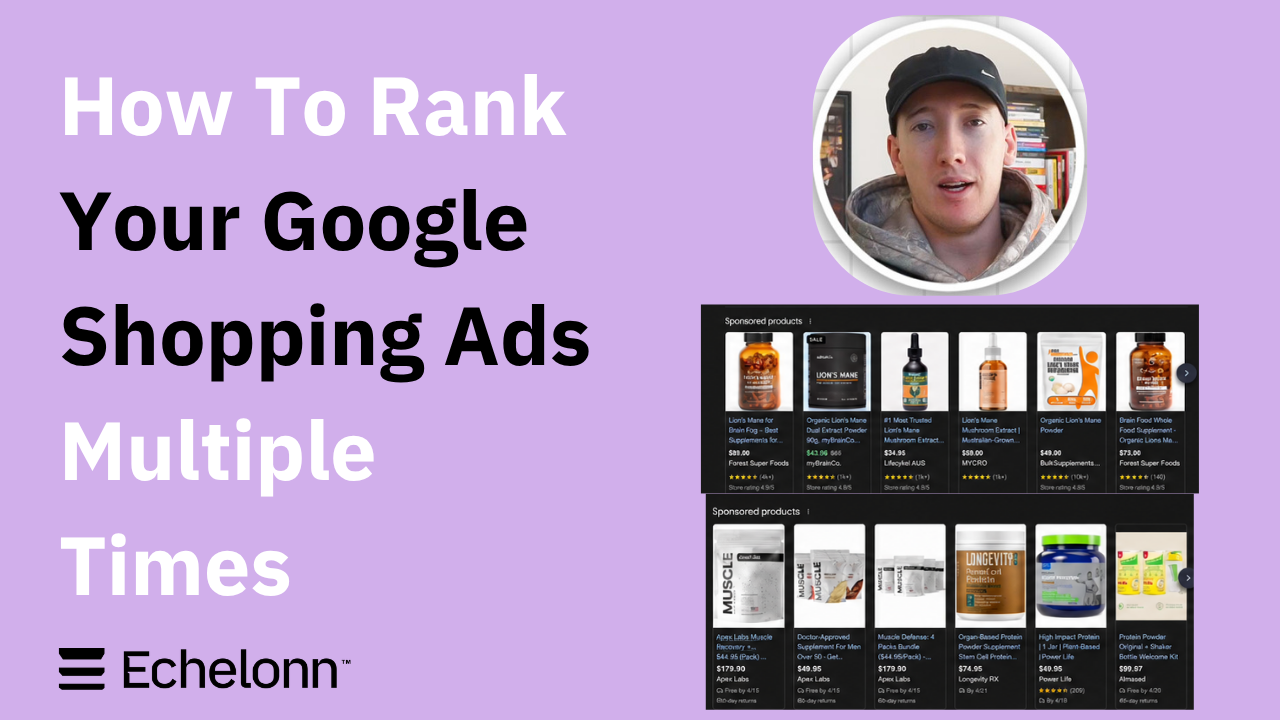
How To Rank Your Google Shopping Ads Multiple Times
Why Your Google Ads Scale Breaks After $X Per Day
How to Tell if Your Google Ads Agency Is Underperforming
Why Your Performance Max Campaign Gets Clicks but No Sales
.png)
Why Your Google Ads Budget Isn't Spending (And How to Fix It)

The Right Way to Run Google Dynamic Search Ads
How to Get New Customers With Google Ads in 2026
Why Your Google Ads CPA Keeps Increasing and How to Reduce It
What Is a Good ROAS for eCommerce Businesses?
How to Set Up Google Ads Conversion Tracking the Right Way
How Much Does a Google Ads Agency Cost?
Why Your Google Ads Are Not Converting
.png)
Average CPC in Google Ads by Industry (And What It Means for Your Strategy)
Performance Max vs. Shopping Campaigns: Which One is Better?

Why Your Google Shopping Ads Get Impressions But No Clicks (Image Optimization Guide)
Why Your Google Ads Are Not Showing

YouTube Ads Targeting Framework That's Driven $10M+ for eCommerce Brands

What Professional Google Shopping Ads Management Looks Like
How Much Do Google Ads Cost in 2026?

Should Your Business Use Google Search Ads or Performance Max?

Performance Max Best Practices for Sustainable Growth
.png)
Google Shopping Ads Audience Targeting: What Actually Impacts Performance
.png)
How to Write Google Search Ads That Actually Convert
.png)
6 Google Shopping Feed Best Practices That Drive Better ROAS
%20(1).png)
How to Get Your Products Recommended by AI (ChatGPT, Google AI & More)
.png)
Common Google Ads Myths That Cost Businesses Money
.png)
7 Benefits of Google Shopping Ads for Your eCommerce Business
.png)
How to Switch Google Ads Agency Without Losing Performance or Data
.png)
Demand Capture vs Demand Generation: Where Google Ads Fits
.png)
How to Prepare Your Business for Working With a Google Ads Agency

How to Avoid Wasting Budget on the Wrong Searches With Google Ads Keyword Match Types
Google Ads Account Ownership: What Businesses Should Know Before Hiring an Agency
.png)
Landing Page Optimization Strategies That Increase Conversions
SEO and Google Ads: How Search Engine Optimization and Paid Search Work Together
Types of Remarketing in Google Ads: How Each One Works and When to Use It
Google Ads Keyword Research: How to Find Keywords That Actually Convert
.png)
What Is Google Performance Max and How Does It Work?
.png)
How Advertorials Support High-Intent Google Ads Funnels
%20(Canva%20Template).png)
How Audience Targeting Works in Google Search Ads (and When to Use It)

Google Ads for New Brands: What to Know Before Spending Your First Dollar
.png)
What Is a PPC Agency – and When It Makes Sense to Hire One
.png)
How to Improve Your Google Ads Conversion Rate

.png)
The Right Way to Link Shopify and Google Ads for Scalable Growth
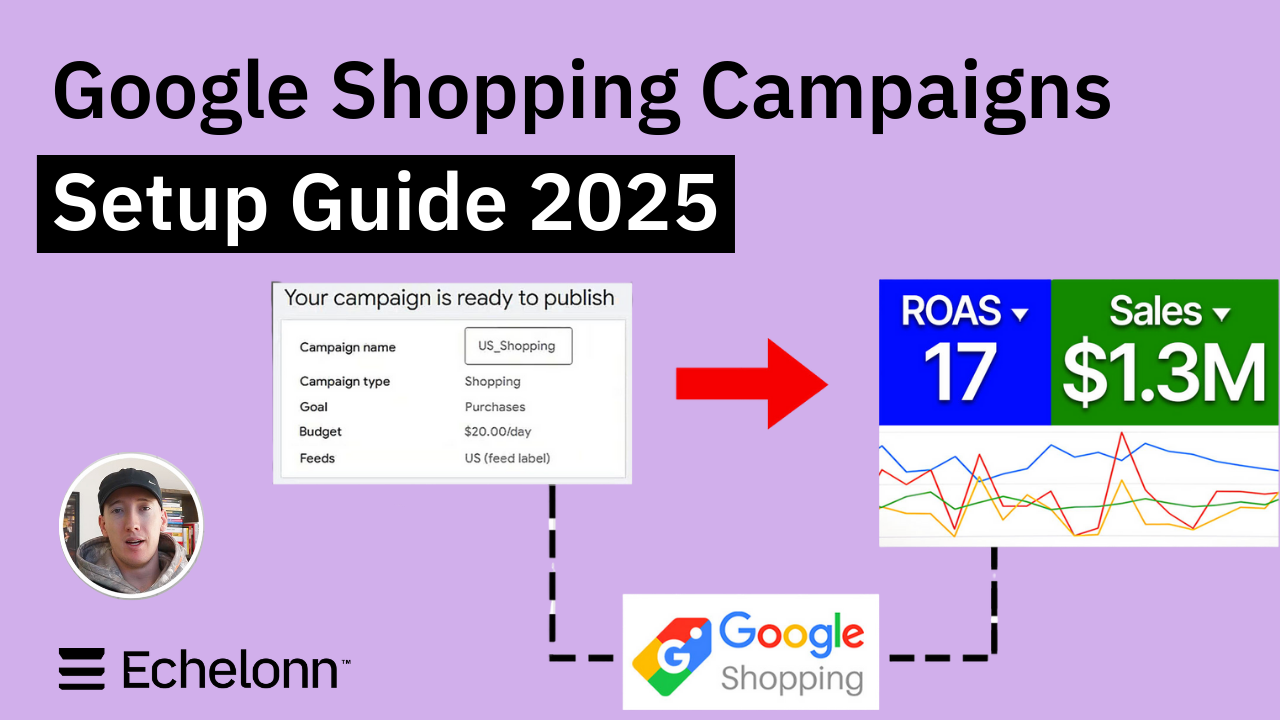
Google Shopping Campaigns Setup Guide 2025
Confessions of a Google Ads Auditor: The Worst Mistakes We See Inside eCom Accounts
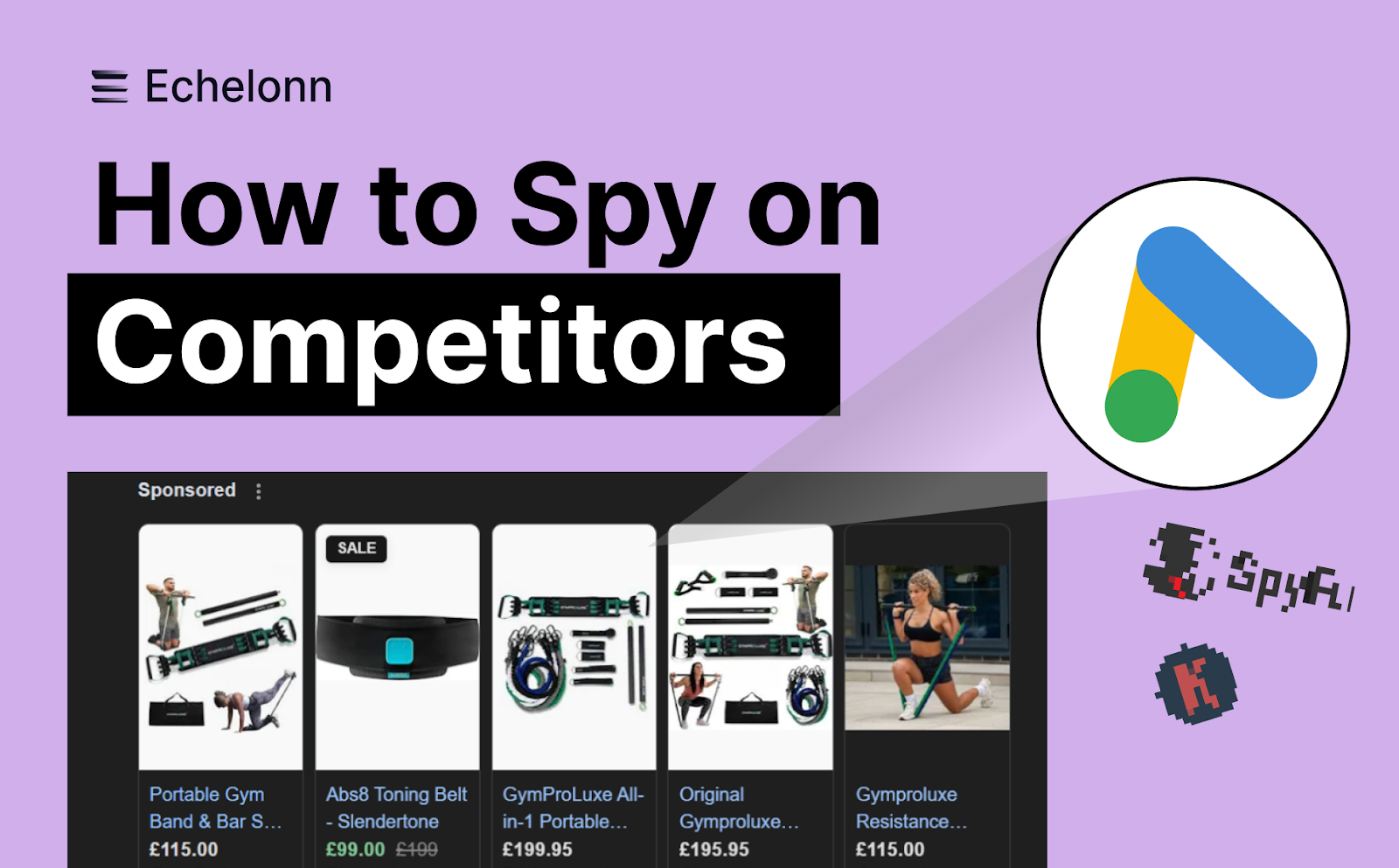
How to Spy on Competitor Google Ads: Complete 2025 Guide
%20(2).png)
7 Questions to Ask Before Hiring a Google Ads Consultant
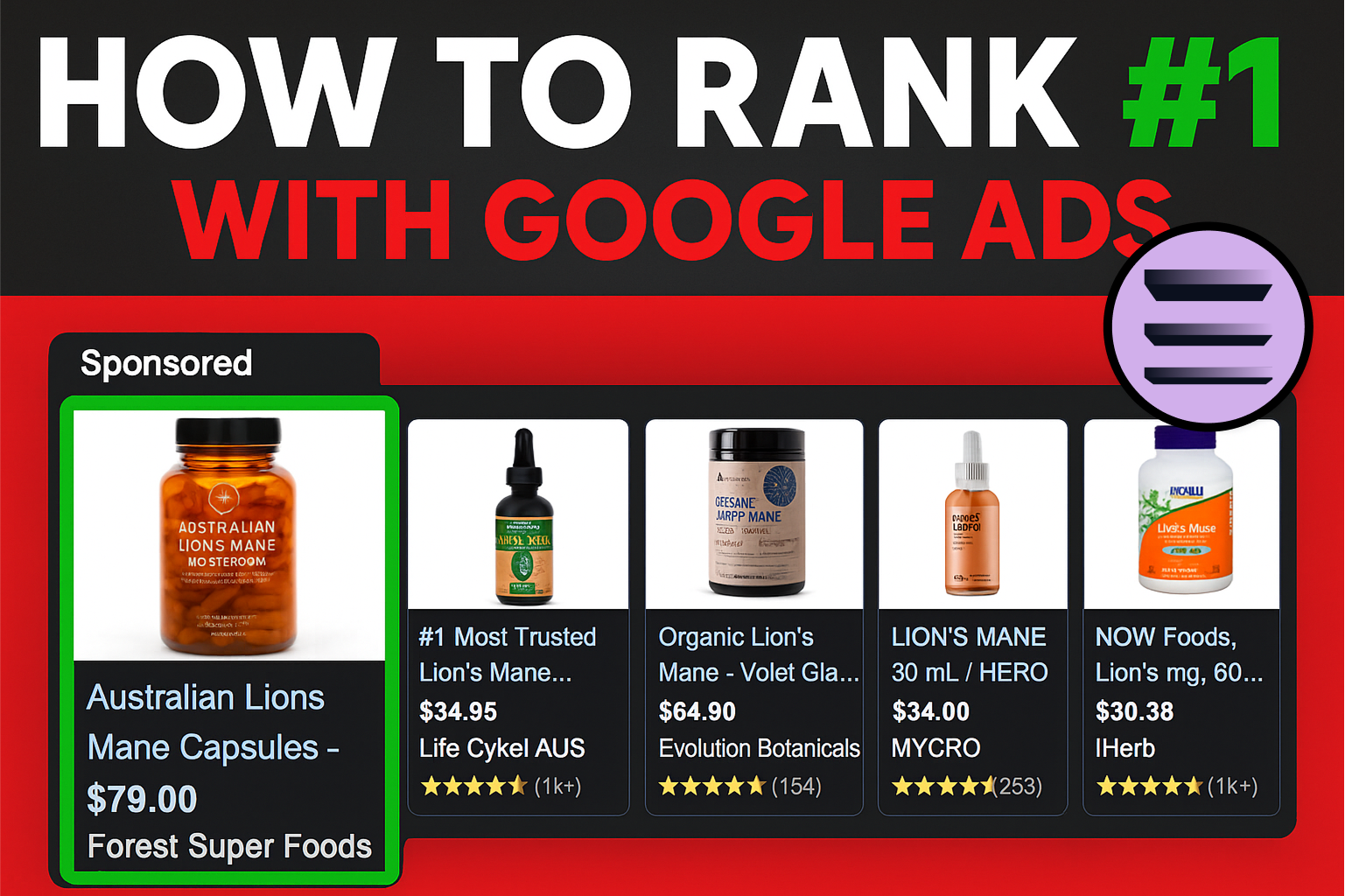
How to Rank #1 on Google Ads: Complete Shopping & Search Guide 2025
.png)
Learning Google Ads in 2025: The Roadmap Nobody Talks About
%20(1).png)
What Makes a Google Ads Specialist Worth $10,000/Month?

Why Cheap Google Ads Consulting Costs You $180,000+ in Lost Revenue
.png)
Why 99% of Google Ads Experts Fail (& How to Find One That Won’t)
.png)
5 Google Product Feed Fixes for eCom Growth
.png)
Google Ads Campaign Structure: Why 95% of Brands Waste Budget on Mixed Traffic

In-House vs Agency Google Ads: Which Delivers Better ROI in 2025?
.png)
How to Scale Google Ads With a Small Budget | Setup and Optimization

Google Shopping Optimization: 11 Proven Tactics for Maximum ROAS
%20(3).png)
eCom Growth Strategy: How We Scaled a Supplement Brand From $1.9M to $8.6M With Google Ads
%20(4).png)
Google Merchant Center Fix: How to Improve Rankings With Accurate Shipping Times

CTR Is Misunderstood by 95% of the PPC Industry (What to Optimise for Instead)
.png)
Google Ads AI | Manual vs Automated Campaign Performance

Complete YouTube Ads Guide 2025 | 3 Formats, 5 Principles, Proven Results
%20(2).png)
eCom Growth Strategy With Google Ads in 2025
.png)
Google Marketing Live 2025: 11 Key Takeaways for Marketers
%20(1).png)
YouTube Advertising Strategy: How to Drive Results Across Every Format
Google Shopping Feed Optimisation: Tips for Better Results

How Long Does it Take for Google Ads to Work?

Search Ad Strategies to Maximize Sales with Google ads for eCommerce (2024)

2025 Google Shopping Ads: Ultimate Guide, Benchmarks, and Pricing Breakdown

Maximizing ROI with Advanced Google Shopping Bid Strategies and Automated Bidding