
.svg)
Performance Max Best Practices for Sustainable Growth


Google Ads Performance Max best practices aren’t about a checklist of settings. PMax works differently. It brings together your product data, creatives, audience signals, and landing pages, and uses them as one system.
This changes how you manage campaigns. In Search or Shopping, structure gives you control. In Performance Max, it decides how good your data is, and how well the system can learn. For eCommerce brands, PMax is a business-level decision because it dictates how your brand data interacts with AI. If the structure is poor, the bidding signals become unstable. In most audits we run, instability in performance can be traced back to structural or data issues – not bidding itself. If you want to scale without adding risk, you need to get the basics right from the start. This guide shows you how.

1. Campaign Structure: Consolidation vs. Control
The standard advice for Performance Max optimisation is simple: consolidate. Fewer campaigns usually mean more data and faster learning. That’s mostly true, but it’s not the full picture. PMax needs enough data to work well. The more conversions you send into one campaign, the better it can optimise. But at the same time, you still need control over budgets and product priorities. That’s where the trade-off comes in.
In most eCom accounts, over-segmentation is the main problem. Splitting campaigns too early spreads your data across too many campaigns, so each one has less data to learn from. This makes performance less stable. Instead of creating more campaigns, focus on what’s inside them.
Use asset groups to organise product categories and margins. Keep enough data flowing into each campaign so Smart Bidding can learn properly. Only split campaigns when there’s a real reason, for example different ROAS targets or separate budgets. A typical pattern we see is that consolidation increases conversion volume first, and only then improves efficiency metrics like CPA or ROAS. The goal here is structured consolidation. Give the system enough data to learn, but keep the structure aligned with your business.
To see how this looks in a live account, watch the walkthrough below:
2. Product Feed as the Core of Performance Max
Performance Max for eCommerce is basically a Shopping campaign. Your product feed decides how your products show up in auctions. It includes things like titles, attributes, categories, and pricing. Google doesn’t understand products the way people do. It relies on this data to decide when and where to show your ads.
A weak feed leads to your ads showing up for the wrong searches. That leads to wasted spend and worse performance. A high-quality feed does the opposite. It helps Google match your products with the right searches, which improves efficiency and keeps CPCs more stable. Over time, your feed quality sets the limit for how much you can grow. Poor data doesn’t just hurt one campaign. Instead, it holds back your whole account and makes results harder to predict.
3. Asset Groups: Direction, Not Segmentation
Many advertisers treat asset groups as traditional targeting layers, but PMax doesn’t work that way. Asset groups help Google understand what you’re selling and who it’s for. You’re grouping products, creatives, and messaging into one place. If these don’t match, the system gets mixed signals and struggles to find the right audience. That’s why consistency matters. Every asset within a group should align perfectly with the product intent.
A common mistake is relying fully on Google’s auto-generated videos. While PMax can create videos from images, the quality is often low, and that affects performance. If you want better results, upload your own video assets. It gives you more control over your brand and sends stronger signals to the system. As Google’s own Performance Max creative playbook emphasises, clear and high-quality inputs lead to more stable learning and predictable performance across the entire account.
4. First-Party Data and Audience Signals
Audience signals are how you guide the system at the start. These can include your first-party data, as well as Google’s suggested audiences or custom segments. The most effective way to shorten the system's learning phase is through first-party data. Your own data, like customer lists or past buyers, helps Google understand what your ideal customer looks like.
When this data is in place, we typically see faster stabilisation in performance during the first few weeks after launch. Without it, PMax has to rely on broad signals and guess who to target. This often results in a longer and more expensive learning phase, with higher CPA volatility at the start.
5. Bidding Strategy: Learning Before Control
PMax needs to learn before you start controlling it. Applying strict targets too early (such as high Target ROAS) limits the system before it even has enough data to optimise. This “starves” the algorithm and restricts its ability to explore and identify the conversion patterns that drive growth. As a rule of thumb, Smart Bidding strategies like Target ROAS or Target CPA start working reliably once you reach around 30-50 conversions per month. Before that, the system simply doesn’t have enough data to optimise properly.
The best way to start is simple: give it room to learn. Launch with Maximise Conversion Value and don’t set a target for the first few weeks. This allows the system to gather enough data and understand what works. It also helps avoid one of the most common (and costly) misconceptions in Google Ads: that more control always leads to better efficiency. Once conversion patterns stabilise and volume is consistent, targets can be set. If you rush this step, you slow down optimisation and make scaling harder later on.
“Mixing brand and non-brand doesn’t improve performance. It hides inefficiency.”
6. Brand vs. Non-Brand Separation as a Must
Performance Max doesn’t separate brand and non-brand traffic on its own. Without clear boundaries, it will naturally use brand searches to hit its targets. That makes performance look better than it really is. Brand traffic converts at a much higher rate, so it often hides problems with real customer acquisition.
To keep things clear, you need to separate brand and non-brand traffic. The safest way to do this is to use both negative keyword lists and brand exclusions, since brand exclusions alone are not always enough. This makes it easier to see what’s actually driving growth, instead of just capturing existing demand. Mixing these signals messes up your data and confuses the bidding algorithm. Over time, this leads to poor budget allocation and decisions based on results you can’t fully trust.
We’ve seen how much this matters in practice. In one account, fixing structure and separating brand and non-brand campaigns played a key role in scaling revenue from £1.4M to £4.3M within 12 months. In some accounts, this also leads to significantly better efficiency. We’ve seen CPCs drop by up to 70% and ROAS improve by 200%+ after separating branded traffic and regaining control over bidding.
7. URL Expansion and Landing Page Control
Performance Max can send traffic to pages you didn’t choose. With URL expansion on, Google scans your site and picks landing pages it thinks are relevant. This can increase reach, but you lose control. Your ads might send users to blog posts, About Us page, FAQ pages, or other content that isn’t meant to convert. When that happens, the message doesn’t match and performance drops.
To avoid this, you need to stay in control. You must exclude non-commercial URLs and use page feeds to guide traffic to the right landing pages. If you don’t, results become less predictable and you end up paying for traffic that isn’t likely to convert.
8. Visibility vs. Control: The Reporting Trade-Off
The thing about PMax is that it inherently reduces clarity in exchange for automation. Compared to standard campaigns, you get less direct and granular insight into exact search queries, placements, or what’s really driving performance. Instead, performance insights are more aggregated and require deeper interpretation.
At the same time, reporting has improved. Tools like the Channel Performance report provide a detailed breakdown of network performance and spend over time, and asset-level segmentation by network helps you understand where your creatives are shown and how they perform. This means that while gaining insights from PMax can be more technical, the data is there if you know how to work with it.

To get a clearer picture, use the Channel Performance report in PMax. It shows how your budget is split across Search, Display, YouTube, and Shopping. This helps you see what’s actually driving results. For deeper analysis, you can still use GA4.
“What you don’t see in PMax is often what drives performance.”
9. Governance: Who Controls the System?
With Performance Max, Google takes on more control. That makes it even more important to know what you own, and what you don’t. This includes your Google Ads account, Merchant Center, conversion tracking, and analytics. Without clear ownership of these, you risk losing access to your data and historical performance.
This becomes particularly critical during structural transitions – whether you are changing agencies or reorganising internally. Without clear ownership, your data ends up spread across different accounts and platforms, making it harder to manage and improve performance over time. Strong governance means your business stays in control. You keep your data, stay flexible, and make decisions based on your own strategy, not just what the platform allows.
10. Creative Testing: What Still Moves Performance
As automation takes over, you have fewer things you can control. Creative is one of the few areas that still makes a real difference. Performance Max continuously tests combinations of headlines, images, and videos to find what works best. The better your assets are, and the more variety you have, the better the results. If your creatives are weak or repetitive, performance will suffer. The system simply has less to work with.
That’s why testing matters. Don’t treat your assets as something you upload once and forget. Keep testing new variations and ideas. This gives the system new inputs and helps performance improve over time. If you stop testing, results usually plateau. If you keep testing, you can keep growing.
Conclusion: Performance Max Works When You Stay in Control
Performance Max works based on what you feed into it. Your product feed, first-party data, and creatives all shape how it performs. When these inputs are clear and consistent, results are more stable. When they’re messy, performance becomes unpredictable.
PMax doesn't fail because of the algorithm, but because of weak structure and poor data quality. Your role is to set clear boundaries and give the system the right inputs. When you do that, PMax becomes much easier to manage and much more reliable as you scale.

Ready To Start Scaling Today?
Scaling Your Favorite eCommerce Brands To The Highest Levels Through Google & YouTube Ads.

.svg)
Get Smarter About How To Scale Your Brand...
Discover Insider Knowledge On How We Scale Brands From 7 Figures All The Way Up To 8-9 Figures With Google Ads.
.svg)
.svg)
"The best Google ads agency there is. You only need to look at the quality of clients and the reviews to understand Jackson and his team are the real deal."

"One of the best in the agency space, great service and exceptional results. Since signing on with Jackson he has become one of our greatest assets when scaling."

"Top tier team & service delivery. Jackson is relentless when it comes to fulfilment & client needs. His attention to detail during the onboarding process ensured exponential results for my coaching business. If you're looking to elevate your ad results & learn a tone of new options/skills that can be implemented to drive more sales to your business then I'd strongly recommend Echelonn."

"From the very first conversation with Jackson and his team, it was clear that we had found a Google Ads agency that prioritises results above all else. Their collaboration between data-driven experts and a skilled copywriter creates a dynamic duo for Google advertising success..."

"Been working with them for 9 months and it's been a great experience. Jackson and his team know what they are doing and always goes above and beyond. If you're looking for a reliable Google ads agency this is the one."

"The best Google ads agency there is. You only need to look at the quality of clients and the reviews to understand Jackson and his team are the real deal."
"One of the best in the agency space, great service and exceptional results. Since signing on with Jackson he has become one of our greatest assets when scaling."
"Top tier team & service delivery. Jackson is relentless when it comes to fulfilment & client needs. His attention to detail during the onboarding process ensured exponential results for my coaching business. If you're looking to elevate your ad results & learn a tone of new options/skills that can be implemented to drive more sales to your business then I'd strongly recommend Echelonn."
"From the very first conversation with Jackson and his team, it was clear that we had found a Google Ads agency that prioritises results above all else. Their collaboration between data-driven experts and a skilled copywriter creates a dynamic duo for Google advertising success..."
"Been working with them for 9 months and it's been a great experience. Jackson and his team know what they are doing and always goes above and beyond. If you're looking for a reliable Google ads agency this is the one."
More Articles Like This.
Find answers to common queries about our services and how we can help you.
.svg)
How To Rank Your Google Shopping Ads Multiple Times
Why Your Google Ads Scale Breaks After $X Per Day
How to Tell if Your Google Ads Agency Is Underperforming
Why Your Performance Max Campaign Gets Clicks but No Sales
.png)
Why Your Google Ads Budget Isn't Spending (And How to Fix It)

The Right Way to Run Google Dynamic Search Ads
How to Get New Customers With Google Ads in 2026
Why Your Google Ads CPA Keeps Increasing and How to Reduce It
What Is a Good ROAS for eCommerce Businesses?
How to Set Up Google Ads Conversion Tracking the Right Way
How Much Does a Google Ads Agency Cost?
Why Your Google Ads Are Not Converting
.png)
Average CPC in Google Ads by Industry (And What It Means for Your Strategy)
Performance Max vs. Shopping Campaigns: Which One is Better?

Why Your Google Shopping Ads Get Impressions But No Clicks (Image Optimization Guide)
Why Your Google Ads Are Not Showing

YouTube Ads Targeting Framework That's Driven $10M+ for eCommerce Brands

What Professional Google Shopping Ads Management Looks Like
How Much Do Google Ads Cost in 2026?

Should Your Business Use Google Search Ads or Performance Max?

Performance Max Best Practices for Sustainable Growth
.png)
Google Shopping Ads Audience Targeting: What Actually Impacts Performance
.png)
How to Write Google Search Ads That Actually Convert
.png)
6 Google Shopping Feed Best Practices That Drive Better ROAS
%20(1).png)
How to Get Your Products Recommended by AI (ChatGPT, Google AI & More)
.png)
Common Google Ads Myths That Cost Businesses Money
.png)
7 Benefits of Google Shopping Ads for Your eCommerce Business
.png)
How to Switch Google Ads Agency Without Losing Performance or Data
.png)
Demand Capture vs Demand Generation: Where Google Ads Fits
.png)
How to Prepare Your Business for Working With a Google Ads Agency

How to Avoid Wasting Budget on the Wrong Searches With Google Ads Keyword Match Types
Google Ads Account Ownership: What Businesses Should Know Before Hiring an Agency
.png)
Landing Page Optimization Strategies That Increase Conversions
SEO and Google Ads: How Search Engine Optimization and Paid Search Work Together
Types of Remarketing in Google Ads: How Each One Works and When to Use It
Google Ads Keyword Research: How to Find Keywords That Actually Convert
.png)
What Is Google Performance Max and How Does It Work?
.png)
How Advertorials Support High-Intent Google Ads Funnels
%20(Canva%20Template).png)
How Audience Targeting Works in Google Search Ads (and When to Use It)

Google Ads for New Brands: What to Know Before Spending Your First Dollar
.png)
What Is a PPC Agency – and When It Makes Sense to Hire One
.png)
How to Improve Your Google Ads Conversion Rate

.png)
The Right Way to Link Shopify and Google Ads for Scalable Growth
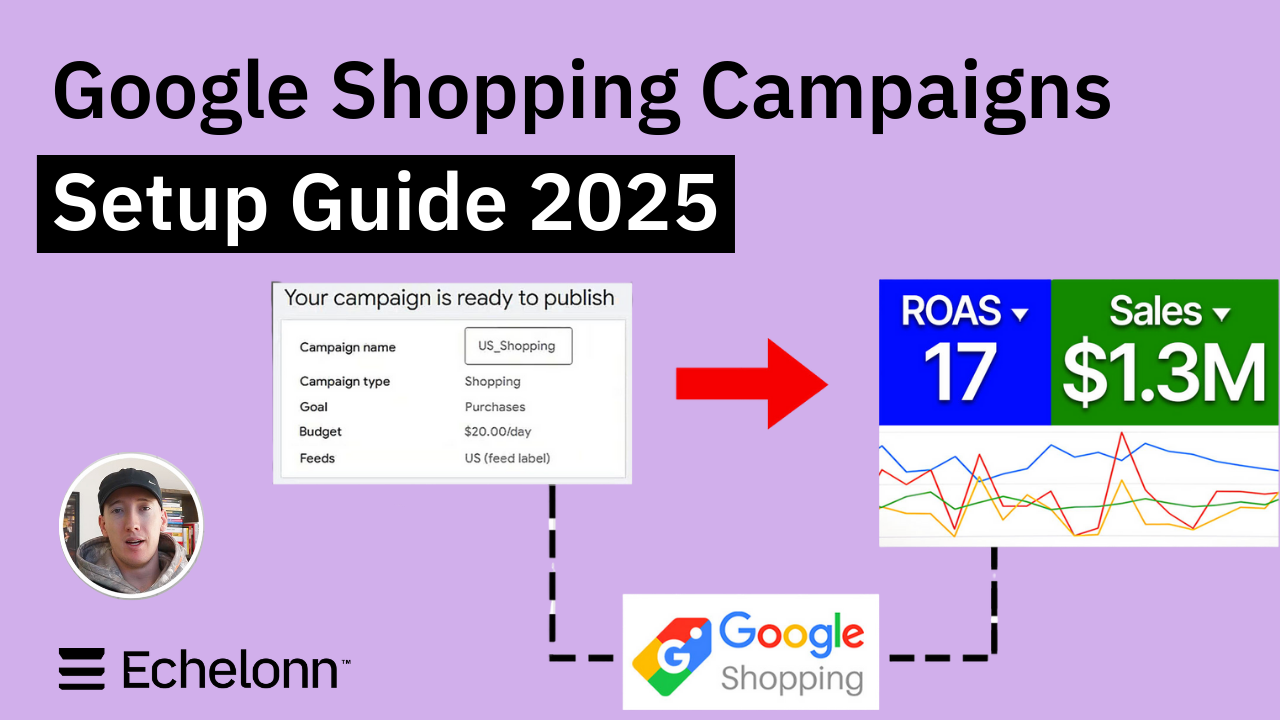
Google Shopping Campaigns Setup Guide 2025
Confessions of a Google Ads Auditor: The Worst Mistakes We See Inside eCom Accounts
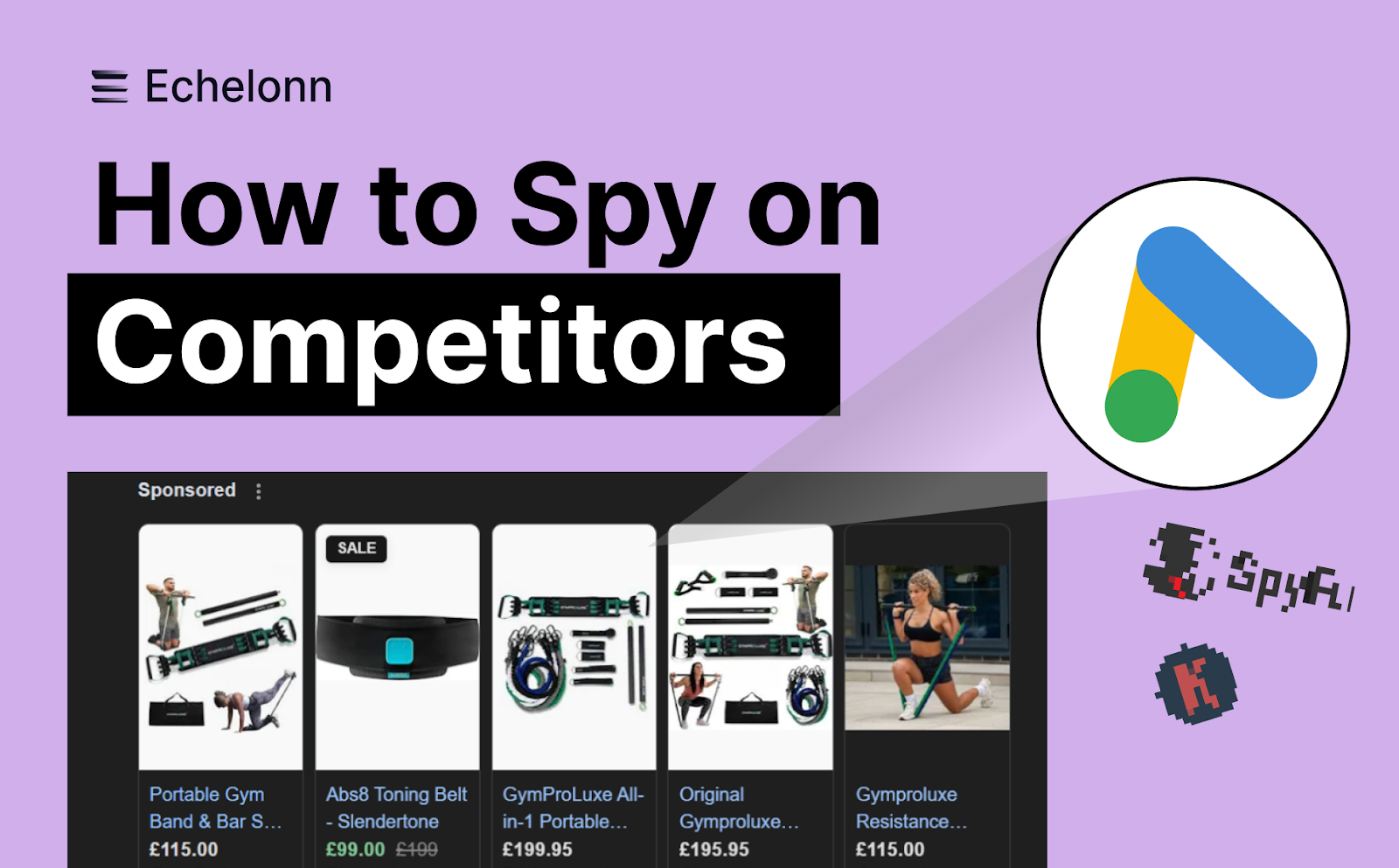
How to Spy on Competitor Google Ads: Complete 2025 Guide
%20(2).png)
7 Questions to Ask Before Hiring a Google Ads Consultant
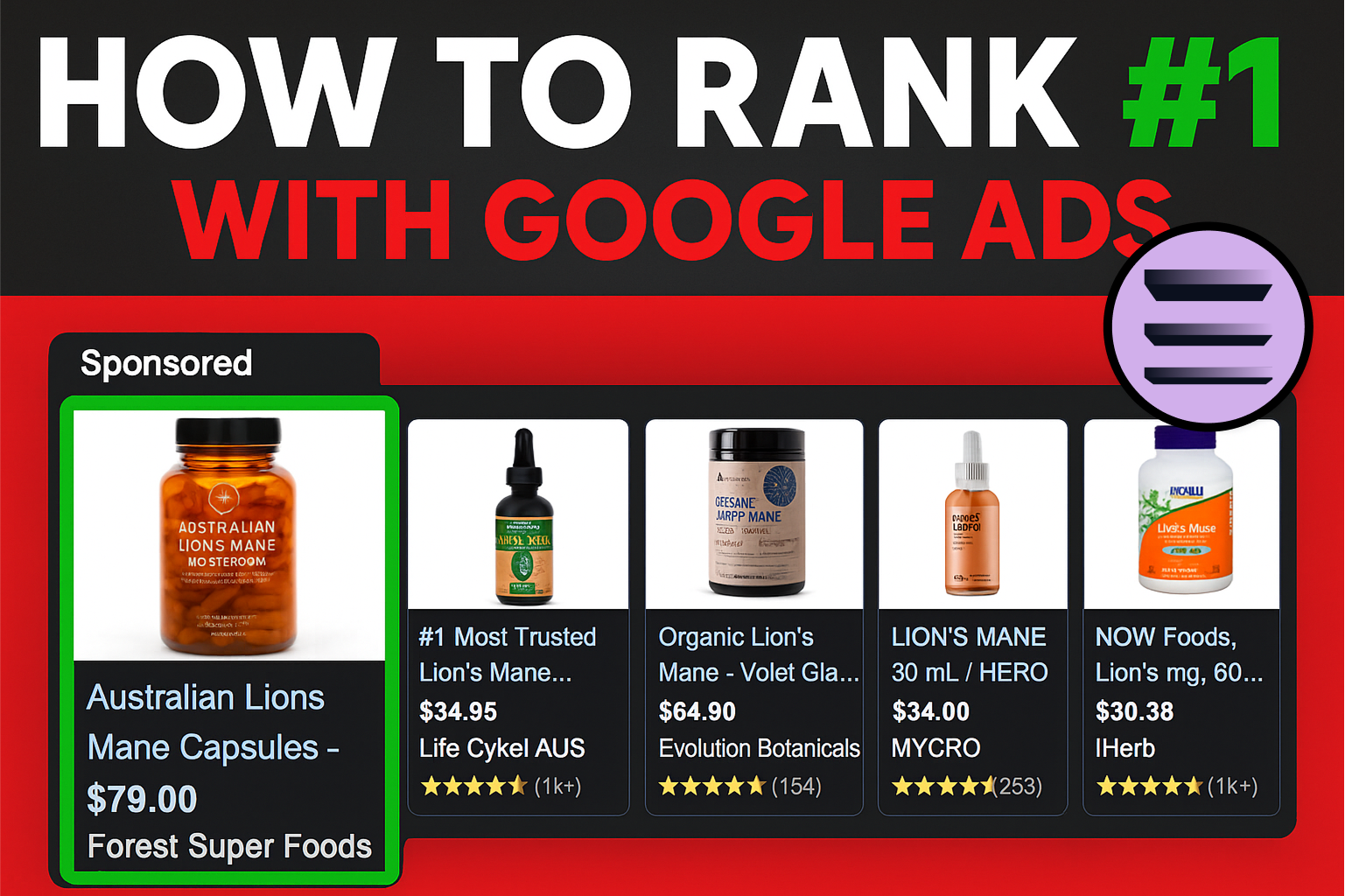
How to Rank #1 on Google Ads: Complete Shopping & Search Guide 2025
.png)
Learning Google Ads in 2025: The Roadmap Nobody Talks About
%20(1).png)
What Makes a Google Ads Specialist Worth $10,000/Month?

Why Cheap Google Ads Consulting Costs You $180,000+ in Lost Revenue
.png)
Why 99% of Google Ads Experts Fail (& How to Find One That Won’t)
.png)
5 Google Product Feed Fixes for eCom Growth
.png)
Google Ads Campaign Structure: Why 95% of Brands Waste Budget on Mixed Traffic

In-House vs Agency Google Ads: Which Delivers Better ROI in 2025?
.png)
How to Scale Google Ads With a Small Budget | Setup and Optimization

Google Shopping Optimization: 11 Proven Tactics for Maximum ROAS
%20(3).png)
eCom Growth Strategy: How We Scaled a Supplement Brand From $1.9M to $8.6M With Google Ads
%20(4).png)
Google Merchant Center Fix: How to Improve Rankings With Accurate Shipping Times

CTR Is Misunderstood by 95% of the PPC Industry (What to Optimise for Instead)
.png)
Google Ads AI | Manual vs Automated Campaign Performance

Complete YouTube Ads Guide 2025 | 3 Formats, 5 Principles, Proven Results
%20(2).png)
eCom Growth Strategy With Google Ads in 2025
.png)
Google Marketing Live 2025: 11 Key Takeaways for Marketers
%20(1).png)
YouTube Advertising Strategy: How to Drive Results Across Every Format
Google Shopping Feed Optimisation: Tips for Better Results

How Long Does it Take for Google Ads to Work?

YouTube Ads Analytics 101: Key Metrics and How to Use Them

Search Ad Strategies to Maximize Sales with Google ads for eCommerce (2024)

2025 Google Shopping Ads: Ultimate Guide, Benchmarks, and Pricing Breakdown

Maximizing ROI with Advanced Google Shopping Bid Strategies and Automated Bidding