
.svg)
Performance Max Audience Signals Explained


Some advertisers treat audience signals like targeting. They add a customer list, a couple of interest segments and a custom audience, then assume Performance Max will only show ads to those people. It won't.
Audience signals are suggestions, not strict targeting criteria. Google states that Performance Max may show ads to relevant audiences outside your signals if they have a strong likelihood of converting. This article covers what audience signals actually do, what you can use as a signal, how to build a set that helps, and what signals can't fix.
“An audience signal is a hypothesis about who your customer is. It isn't a boundary around who sees your ads.”
What Audience Signals Actually Do in Performance Max
Audience signals are an optional input set at the asset group level. You give Google a few audiences, such as a customer list, a custom segment or a Google segment, and Performance Max uses them as a starting point to find users with similar or stronger intent. Google's developer documentation describes them this way and notes that standard Performance Max campaigns can run without them.
That's the difference between a signal and targeting. Targeting is a filter: only people inside the audience see your ads. A signal is a hint: start here, then find more people like this. If the system sees a strong likelihood of conversion outside your signals, it can serve there too.
Signals can be particularly useful early in a campaign, helping Google AI understand which audiences may be relevant. They can continue to inform the campaign as it runs, especially when first-party data is kept up to date.
What Can You Use as a Performance Max Audience Signal?
Performance Max supports several types of audience signals, and they provide different kinds of information about your potential customers.
Your Data
Customer Match lists, website visitors and other first-party segments. This is one of the strongest audience inputs you can give Google because it's based on your own customer and website data. First-party data can also help guide the learning phase. Without it, Performance Max has to lean on broad signals, which usually means a longer and more volatile start with higher CPA swings.
One catch: a list of past buyers shows Google what your existing customers look like. If your goal is new customer acquisition, check that the campaign isn't just finding more people who already know you.
Custom Segments
Custom segments describe intent through search terms and URLs: what your ideal customer searches for and which sites they visit. They let you build a signal around your product instead of relying on Google's pre-built categories. A furniture brand, for example, might build a segment from searches like “velvet sofa” and from the URLs of competing sofa retailers.
Competitor brand names, keywords and URLs are a common starting point. In one apparel eCom account, we launched a dedicated Performance Max campaign using competitor brand names, keywords and URLs as custom audience signals. It met the performance targets and stayed live after the test phase.
Google Audience Segments
Interests, in-market segments, and demographics. These are Google-defined signals, so they're broad by design rather than tailored to your business. They're useful when you don't have meaningful first-party data yet, or as a supporting signal alongside stronger audience inputs. On their own, they give Google less signal than your own data or a well-built custom segment.
How to Build Audience Signals That Actually Help
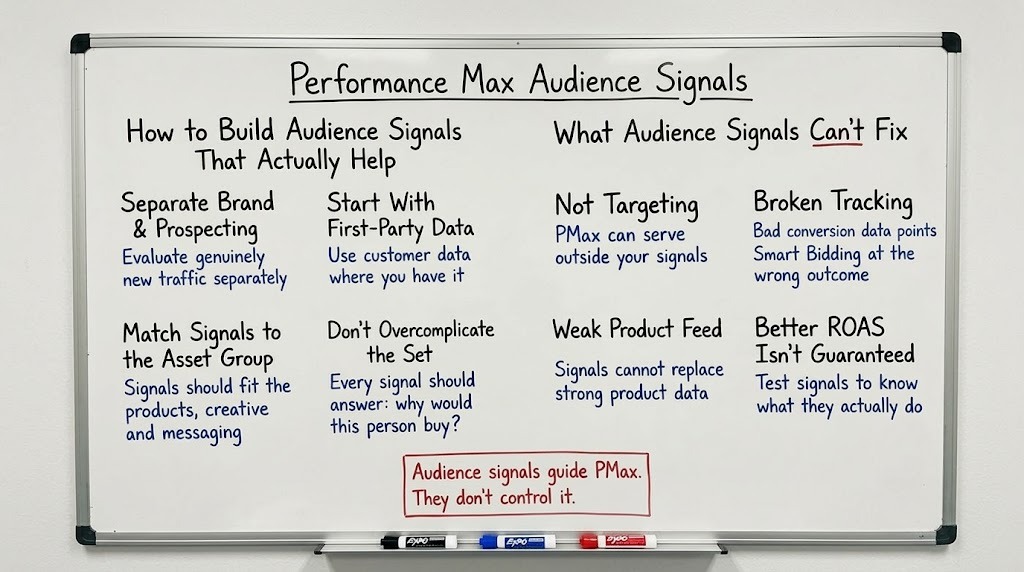
A good signal set is specific and consistent with the asset group it sits in. A bad one is a long list of everything available. Use this checklist:
- Separate brand and prospecting first: In a mixed campaign, branded traffic can make performance look stronger than it is. If new customer acquisition is the goal, use the appropriate brand controls and evaluate performance separately.
- Start with first-party data where you have it: It's the strongest input you control. If you don't have a usable list yet, begin with a custom segment and add your data as it builds.
- Match signals to the asset group: An asset group is a theme: products, creative and messaging. Signals should describe the person that theme is written for. If the audience would respond to a different message, that's a reason for a separate asset group, not just another signal. Mismatched assets and signals send the system in a mixed direction.
- Don't overcomplicate the set: Every signal should answer one question: why would this person buy this product? If you can't answer it, leave it out. Google treats signals as optional, so there's no need to fill every field.
What Audience Signals Can’t Fix
They can't work as targeting. Because Performance Max can serve outside your signals, a signal won't reliably keep ads away from anyone. Don't build a set expecting a hard boundary.
They can't fix broken tracking. Smart Bidding optimises towards the conversion data it receives. If purchases are duplicated or values are missing, a perfect signal set still points the system at the wrong outcome. Get conversion tracking right first.
They can't replace a strong product feed. In a furniture account where we rebuilt the prospecting feed from scratch, with around 120 title rules across 30 product categories, spend grew roughly 41% while ROAS held near 3.5x. The case study's takeaway: in high-AOV, competitive categories, the feed was the main scaling lever, not the bidding strategy. Signals sit on top of that foundation, not in place of it.
They can't promise better ROAS. Google calls signals optional, and standard Performance Max campaigns run without them. Be sceptical of any claim of a fixed uplift from adding signals. The only way to know what they do in your account is to test.
How to Test Performance Max Audience Signals
Test audience signals as one variable. Keep assets, products, campaign structure and bidding consistent, change only the signals, and allow enough time and conversion volume before drawing conclusions. Two weeks is a reasonable minimum observation period, but Google recommends allowing around 4–6 weeks for Performance Max experiments to produce more meaningful results. Aim for 30–50 conversions before evaluating the impact, where conversion volume allows, and consider the campaign's performance and data quality before deciding whether the change made a difference.
Then judge on business metrics at the campaign level: CPA, ROAS and how many of the buyers are genuinely new. Evaluating Performance Max at the campaign level is important, because the algorithm optimises against your conversion objectives.
Audience insights are useful for seeing which segments your ads resonate with, but they describe who converted, not whether your signal caused it. Treat them as a source of new hypotheses, not as proof.
The Bottom Line: Audience Signals Guide PMax, They Don’t Control It
Audience signals are worth setting up, but think of them as a starting hint for Google's AI rather than a fence around your audience. They tend to help most when they come from real customer data or a clear view of intent, and when they're matched to the asset group they sit in.
Starting with a customer list and a well-built custom segment is usually more useful than adding a long list of signals you can't explain. From there, let the account show you what works. Changing one thing at a time and giving it room to collect data will teach you more than any best-practice checklist.
And if results don't move, that's useful information too. It usually points to something underneath the signals, such as data quality or campaign structure, that deserves attention first. Once that foundation is solid, audience signals become a sensible refinement on top of a campaign that's already learning from good data.

Ready To Start Scaling Today?
Scaling Your Favorite eCommerce Brands To The Highest Levels Through Google & YouTube Ads.

.svg)
Get Smarter About How To Scale Your Brand...
Discover Insider Knowledge On How We Scale Brands From 7 Figures All The Way Up To 8-9 Figures With Google Ads.
.svg)
.svg)
"The best Google ads agency there is. You only need to look at the quality of clients and the reviews to understand Jackson and his team are the real deal."

"One of the best in the agency space, great service and exceptional results. Since signing on with Jackson he has become one of our greatest assets when scaling."

"Top tier team & service delivery. Jackson is relentless when it comes to fulfilment & client needs. His attention to detail during the onboarding process ensured exponential results for my coaching business. If you're looking to elevate your ad results & learn a tone of new options/skills that can be implemented to drive more sales to your business then I'd strongly recommend Echelonn."

"From the very first conversation with Jackson and his team, it was clear that we had found a Google Ads agency that prioritises results above all else. Their collaboration between data-driven experts and a skilled copywriter creates a dynamic duo for Google advertising success..."

"Been working with them for 9 months and it's been a great experience. Jackson and his team know what they are doing and always goes above and beyond. If you're looking for a reliable Google ads agency this is the one."

"The best Google ads agency there is. You only need to look at the quality of clients and the reviews to understand Jackson and his team are the real deal."
"One of the best in the agency space, great service and exceptional results. Since signing on with Jackson he has become one of our greatest assets when scaling."
"Top tier team & service delivery. Jackson is relentless when it comes to fulfilment & client needs. His attention to detail during the onboarding process ensured exponential results for my coaching business. If you're looking to elevate your ad results & learn a tone of new options/skills that can be implemented to drive more sales to your business then I'd strongly recommend Echelonn."
"From the very first conversation with Jackson and his team, it was clear that we had found a Google Ads agency that prioritises results above all else. Their collaboration between data-driven experts and a skilled copywriter creates a dynamic duo for Google advertising success..."
"Been working with them for 9 months and it's been a great experience. Jackson and his team know what they are doing and always goes above and beyond. If you're looking for a reliable Google ads agency this is the one."
More Articles Like This.
Find answers to common queries about our services and how we can help you.
.svg)
Performance Max Audience Signals Explained
Google Ads Optimization Score: Should You Trust It?
What Is a Good CTR for Google Ads?
Why More Google Ads Spend Doesn't Always Mean More Revenue
How To Rank Your Google Shopping Ads Multiple Times
Why Your Google Ads Scale Breaks After $X Per Day
How to Tell if Your Google Ads Agency Is Underperforming
Why Your Performance Max Campaign Gets Clicks but No Sales
.png)
Why Your Google Ads Budget Isn't Spending (And How to Fix It)

The Right Way to Run Google Dynamic Search Ads
How to Get New Customers With Google Ads in 2026
Why Your Google Ads CPA Keeps Increasing and How to Reduce It
What Is a Good ROAS for eCommerce Businesses?
How to Set Up Google Ads Conversion Tracking the Right Way
How Much Does a Google Ads Agency Cost?
Why Your Google Ads Are Not Converting
.png)
Average CPC in Google Ads by Industry (And What It Means for Your Strategy)
Performance Max vs. Shopping Campaigns: Which One is Better?

Why Your Google Shopping Ads Get Impressions But No Clicks (Image Optimization Guide)
Why Your Google Ads Are Not Showing

YouTube Ads Targeting Framework That's Driven $10M+ for eCommerce Brands

What Professional Google Shopping Ads Management Looks Like
How Much Do Google Ads Cost in 2026?

Should Your Business Use Google Search Ads or Performance Max?

Performance Max Best Practices for Sustainable Growth
.png)
Google Shopping Ads Audience Targeting: What Actually Impacts Performance
.png)
How to Write Google Search Ads That Actually Convert
.png)
6 Google Shopping Feed Best Practices That Drive Better ROAS
%20(1).png)
How to Get Your Products Recommended by AI (ChatGPT, Google AI & More)
.png)
Common Google Ads Myths That Cost Businesses Money
.png)
7 Benefits of Google Shopping Ads for Your eCommerce Business
.png)
How to Switch Google Ads Agency Without Losing Performance or Data
.png)
Demand Capture vs Demand Generation: Where Google Ads Fits
.png)
How to Prepare Your Business for Working With a Google Ads Agency

How to Avoid Wasting Budget on the Wrong Searches With Google Ads Keyword Match Types
Google Ads Account Ownership: What Businesses Should Know Before Hiring an Agency
.png)
Landing Page Optimization Strategies That Increase Conversions
SEO and Google Ads: How Search Engine Optimization and Paid Search Work Together
Types of Remarketing in Google Ads: How Each One Works and When to Use It
Google Ads Keyword Research: How to Find Keywords That Actually Convert
.png)
What Is Google Performance Max and How Does It Work?
.png)
How Advertorials Support High-Intent Google Ads Funnels
%20(Canva%20Template).png)
How Audience Targeting Works in Google Search Ads (and When to Use It)

Google Ads for New Brands: What to Know Before Spending Your First Dollar
.png)
What Is a PPC Agency – and When It Makes Sense to Hire One
.png)
How to Improve Your Google Ads Conversion Rate

.png)
The Right Way to Link Shopify and Google Ads for Scalable Growth
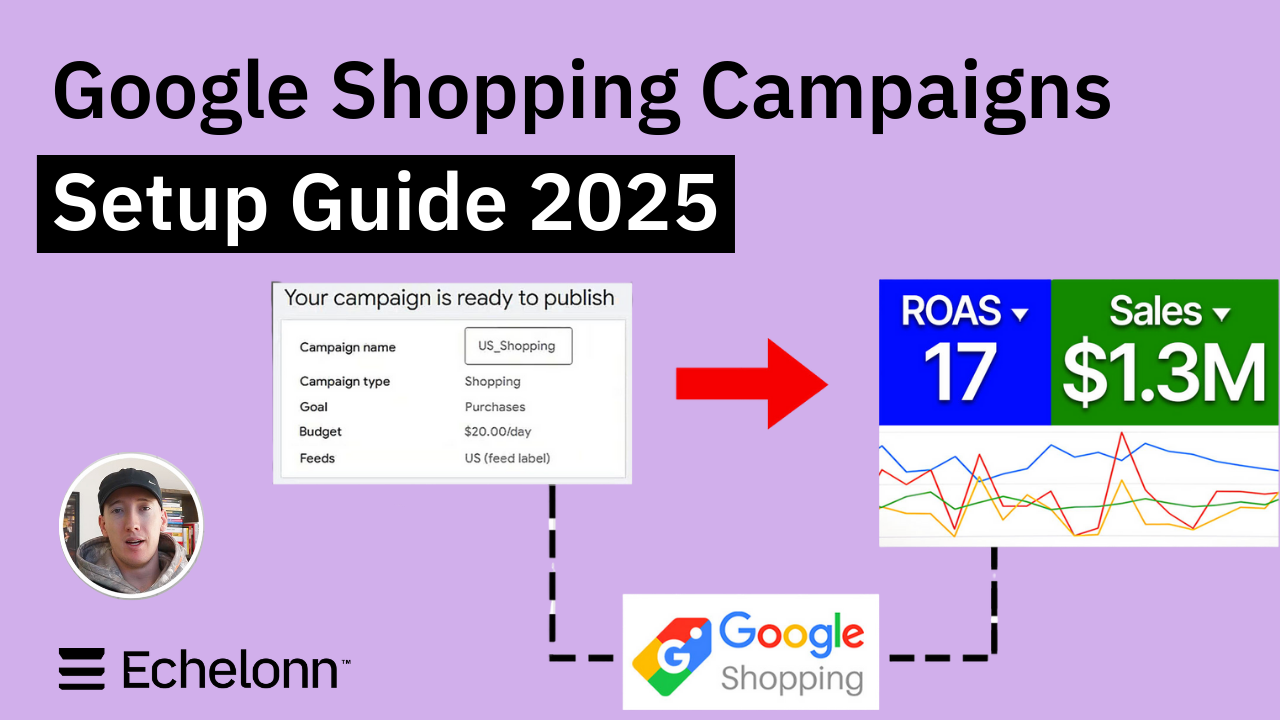
Google Shopping Campaigns Setup Guide 2025
Confessions of a Google Ads Auditor: The Worst Mistakes We See Inside eCom Accounts
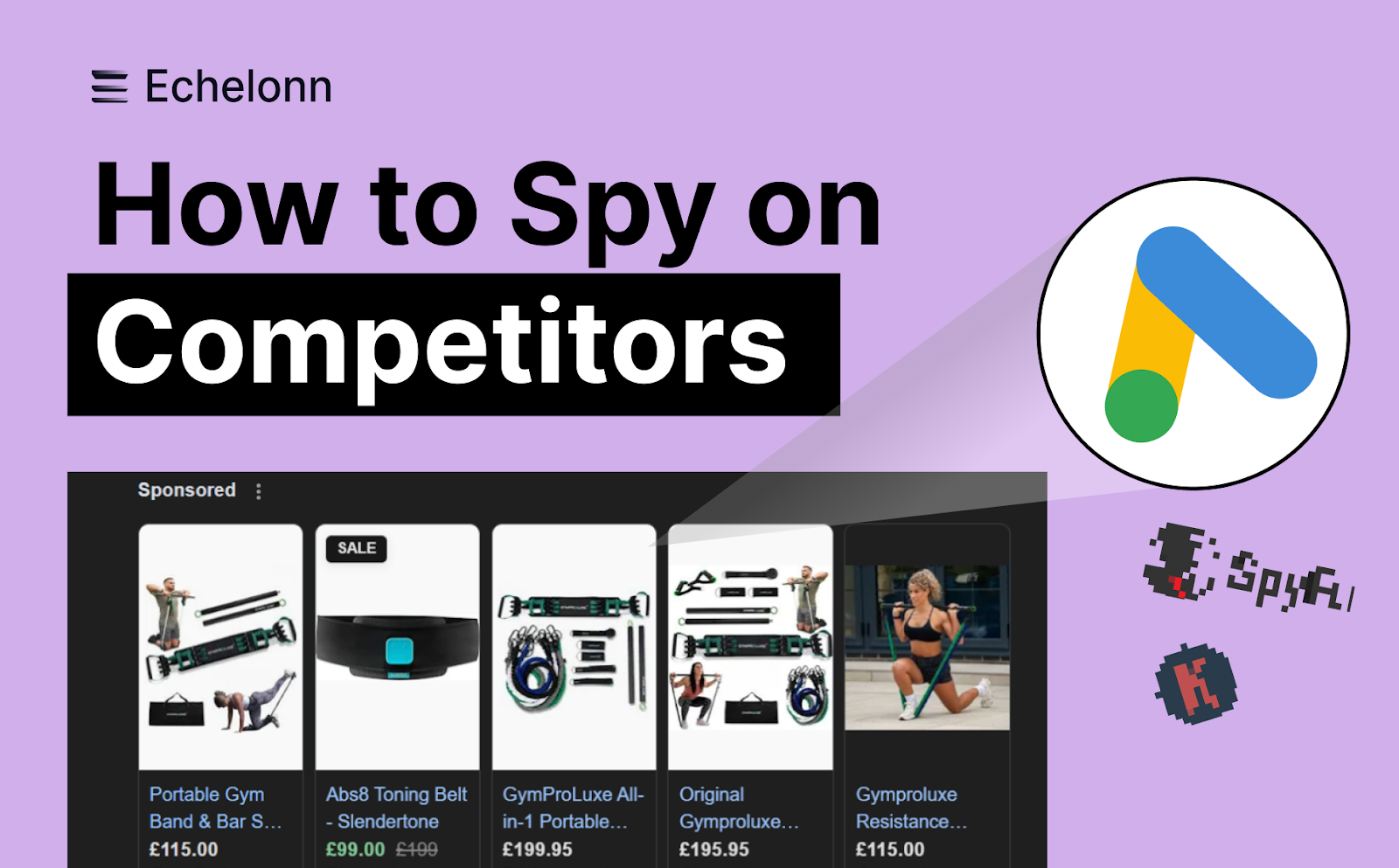
How to Spy on Competitor Google Ads: Complete 2025 Guide
%20(2).png)
7 Questions to Ask Before Hiring a Google Ads Consultant
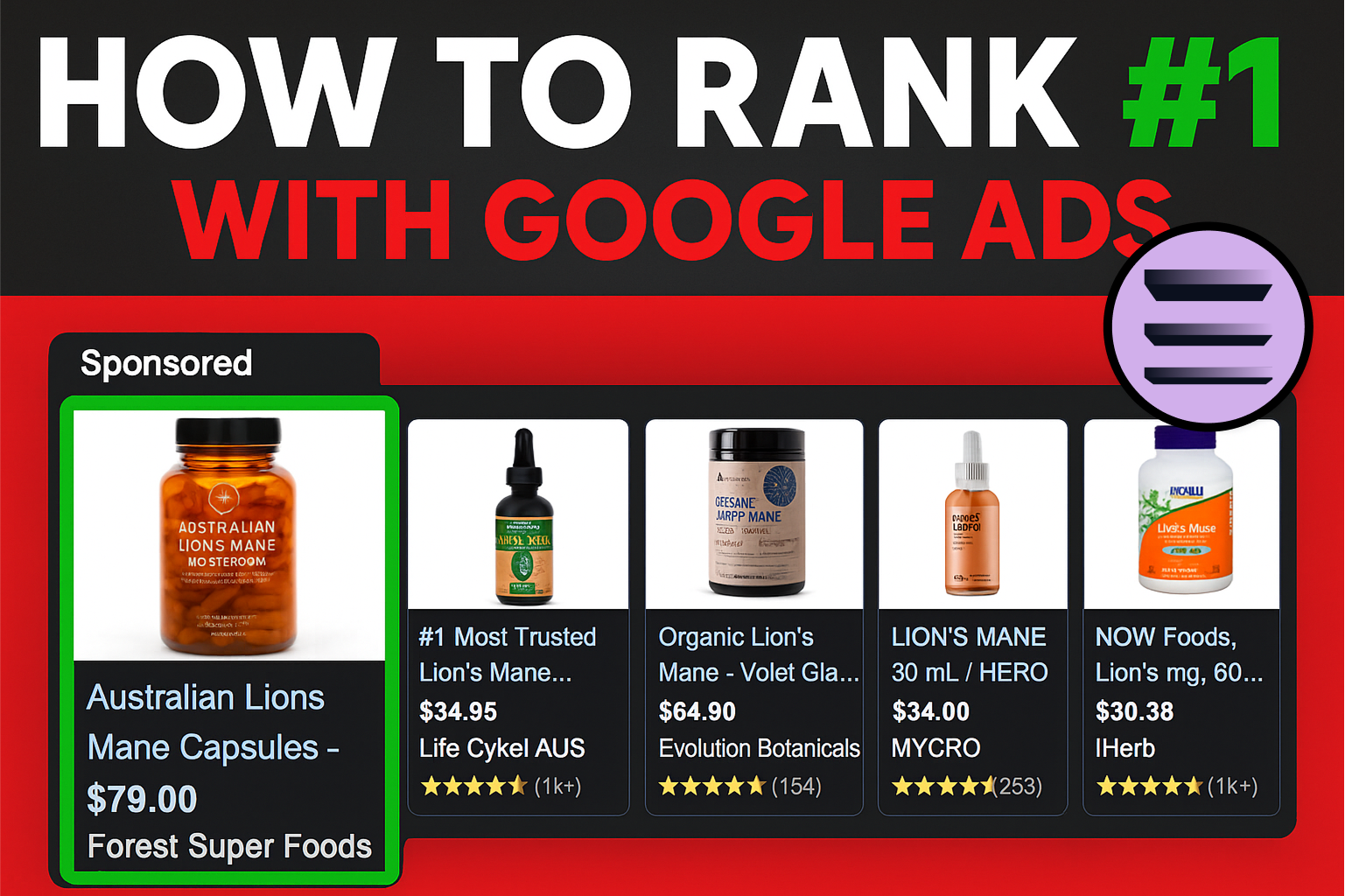
How to Rank #1 on Google Ads: Complete Shopping & Search Guide 2025
.png)
Learning Google Ads in 2025: The Roadmap Nobody Talks About
%20(1).png)
What Makes a Google Ads Specialist Worth $10,000/Month?

Why Cheap Google Ads Consulting Costs You $180,000+ in Lost Revenue
.png)
Why 99% of Google Ads Experts Fail (& How to Find One That Won’t)
.png)
5 Google Product Feed Fixes for eCom Growth
.png)
Google Ads Campaign Structure: Why 95% of Brands Waste Budget on Mixed Traffic

In-House vs Agency Google Ads: Which Delivers Better ROI in 2025?
.png)
How to Scale Google Ads With a Small Budget | Setup and Optimization

Google Shopping Optimization: 11 Proven Tactics for Maximum ROAS
%20(3).png)
eCom Growth Strategy: How We Scaled a Supplement Brand From $1.9M to $8.6M With Google Ads
%20(4).png)
Google Merchant Center Fix: How to Improve Rankings With Accurate Shipping Times

CTR Is Misunderstood by 95% of the PPC Industry (What to Optimise for Instead)
.png)
Google Ads AI | Manual vs Automated Campaign Performance

Complete YouTube Ads Guide 2025 | 3 Formats, 5 Principles, Proven Results
%20(2).png)
eCom Growth Strategy With Google Ads in 2025
.png)
Google Marketing Live 2025: 11 Key Takeaways for Marketers
%20(1).png)
YouTube Advertising Strategy: How to Drive Results Across Every Format
Google Shopping Feed Optimisation: Tips for Better Results

How Long Does it Take for Google Ads to Work?

Search Ad Strategies to Maximize Sales with Google ads for eCommerce (2024)

2025 Google Shopping Ads: Ultimate Guide, Benchmarks, and Pricing Breakdown

Maximizing ROI with Advanced Google Shopping Bid Strategies and Automated Bidding