
.svg)
The Right Way to Run Google Dynamic Search Ads


The Right Way to Run Google Dynamic Search Ads
Dynamic Search Ads play a much bigger role than most advertisers expect. One of our eCom clients did close to $2.2 million in revenue over 90 days from Google Ads alone, on spend just over $400k. A significant chunk of that came from a single campaign type: Dynamic Search Ads.
Results like these don't come from simply enabling DSA. They come from how the campaigns are structured, optimised, and managed. Many seven- or eight-figure eCom businesses run DSA with the same structure and discipline we're breaking down here.
If you prefer to watch instead, press play on the video below:
What Dynamic Search Ads Actually Do
Standard Search ads work off keywords you bid on. DSA works off your website.
Google crawls and analyses the pages on your site, identifies the themes and products you're selling, and generates ads to match what people are actually searching for. No keyword list required. That's how DSA works in a nutshell. Everything else in this article is about controlling it properly, because "no keyword list required" is exactly why many advertisers run DSA badly.
Why DSA Finds Traffic Your Keyword Research Never Will
The upside of DSA is reach. It picks up search traffic your keyword targeting was never going to catch, because you didn't know to bid on it in the first place.
Take a premium skincare store. With a standard Search campaign, you'd research and bid on the obvious terms: anti-ageing serum, vitamin C serum, retinol cream. With DSA, Google generates ads directly from your product pages, blog posts and other content related to skincare, which means your ads can start showing up for searches like "best serum for fine lines and wrinkles" or "natural retinol cream for sensitive skin" – queries you'd probably never have thought to add as keywords.
That reach is the entire point of the campaign type. What you do with the structure around it determines whether it's profitable reach or wasted spend.
Two Ways to Structure a DSA Campaign
There are two ways to run DSA, and the choice matters more than many accounts treat it.
- DSA ad groups inside an existing keyword campaign: You run Dynamic ad groups alongside your standard, keyword-targeted ad groups in the same campaign. DSA sits as an extra layer of targeting and reach on top of what you're already doing.
- A dedicated, standalone DSA campaign: You separate DSA out completely and manage it independently from the rest of your campaigns.
The right call depends on your account setup, goals, KPIs and preference. We generally default to dedicated DSA campaigns, because it's easier to monitor performance and make targeted optimisations when DSA isn't sharing a campaign, a budget, and a bid strategy with keyword-based ad groups.
When DSA Runs Inside a Mixed Campaign
In one Search prospecting campaign we managed, most of the ad groups were standard: keyword-targeted, with their own landing pages and copy. A handful were Dynamic ad groups, and those were the ones carrying the campaign, reaching ROAS figures in the 7–9× range over a 90-day period, on 100% non-branded traffic. That goes to show that DSA can nicely complement and power-up your keyword ad groups.
When DSA Competes With a Keyword Campaign
We've also run a DSA campaign and a keyword campaign at the same time, pointed at the same traffic, specifically to see which one wins. DSA outperformed the keyword campaign. Same search terms, same audience, but DSA came out ahead because it could pick the exact page to match each query itself.
That's the part people miss. If your landing page selection inside a standard Search campaign isn't great, DSA can quietly outperform it on the exact same search terms, simply because it isn't locked into whatever page you assigned to a keyword. It matches the query to the best available page every time.
“DSA doesn't just fill gaps in your keyword strategy. It can also outperform standard Search when Google is better at matching the right landing page to the user's query.”
What You Actually Control in DSA Ad Creation
Here's the misconception we hear often: that DSA headlines are fully automated, generated from the search term and your website content, so there's nothing to manage on the ad side.
That's only half true. In reality, your DSA headline is pulled directly from your page's meta title. Not invented by Google, not spun from your on-page copy – your meta title, effectively, becomes your ad headline. Which means the quality of your DSA depends directly on the quality of your meta titles, whether that page is a product page, advertorial, a collection page, or anything else DSA is allowed to serve from. That's your point of control. If you're not treating meta titles as ad copy, you're not really controlling your DSA at all.
The table below describes some of the key criteria to check when it comes to meta titles:
You can check any page's meta title with a free Chrome extension called Meta SEO Inspector. Click it on a live page and it shows you the exact meta title Google will use as the ad headline if that page gets served through DSA. It takes seconds, and it's worth running before you ever launch a DSA campaign against a set of pages.
Descriptions Are the Part You Fully Own
While the headline and display URL are dynamically generated, the descriptions are entirely in your hands. That's your opening to customize them and speak to the audience directly: highlight the offer, the promotion, or the specific benefit tied to whatever page is being served.
This is a big part of why we lean towards dedicated DSA campaigns. A dedicated campaign lets you segment DSA ad groups by theme, product category or user intent, and write descriptions that actually match what someone landing on that specific page needs to hear, instead of one generic description trying to cover every page on the site. Inside a DSA ad group, that's all Google gives you to edit: Description 1 and Description 2. Headline and display URL are locked to "dynamically generated."
Whatever you'd use in a standard keyword ad group – sitelinks, callouts, structured snippets, promotion extensions – use it here too. Anything that’s relevant for your business can power-up your DSA ad groups.
Seed Mining: Using DSA to Find Keywords You Didn't Know Existed
This is where you use your DSA campaign as a tool to uncover high-performing search terms. Set up a broad DSA campaign targeting a wide range of pages on your site, and let it run for a few weeks purely to gather data on what's triggering clicks and conversions. Then go into the search terms report and look for the hidden gems: long-tail terms with strong engagement that you're not actively targeting anywhere else. Take those terms and add them into your standard Search campaigns as exact or phrase match keywords. You’ll see an improvement, because you're no longer guessing at keyword research; you're targeting terms you've already watched convert.
One thing to know going in: Google doesn't show you every search term that triggered your ads. It only ever surfaces a portion of them, sometimes around half, sometimes more, and keeps the rest hidden. But you can still work with what it gives you.
In practice, this might mean spotting a cluster of searches around a specific use case you hadn't considered, such as people looking for a version of your product designed for caravans or cars. You never added those queries as keywords. DSA found them for you. From there, you've got a specific keyword to add to a dedicated ad group, a specific angle to write ad copy around, and a signal that your landing pages or Shopping titles could better reflect that search intent.
Turning DSA Search Term Data Into Landing Page Fixes
This is where DSA gives you something standard Search simply can't. In a Search campaign, you only ever see which keyword triggered your ad. In a DSA campaign, the search terms report tells you the exact headline and the exact landing page Google served for that search term. That level of detail is what lets you find real optimisation opportunities instead of guessing.
If you notice Google is heavily serving impressions for one particular page through DSA, that's a signal worth acting on:
- Rewrite the page copy to align more closely with the search intent driving that traffic.
- Optimise headers and meta tags around the high-performing search terms landing there.
- Remove friction from the CTA and page layout so the path to conversion is as smooth as possible.
Controlling Which Pages DSA is Allowed to Serve
By default, Google considers every page on your site fair game for DSA. That's rarely what you want. You can, and should, exclude or include specific pages based on relevance and performance, cutting out pages like About Us, out-of-stock products, 404s and redirects, or anything else you don't want receiving impressions and consuming budget.
Once you're inside the search terms and landing pages report, patterns show up fast. If you're seeing repeated searches for a specific type of a keyword, say, a product specifically for caravans, and you don't have a page that speaks directly to that, build one. Put "caravan" in the title and write the page around that exact use case. This works with blog content too: when a page genuinely delivers value on a topic, Google tends to reward it with cheap traffic, which shows up as a very low CPC and, in some cases, a genuinely outstanding ROAS.
The Bottom Line: Execution Decides Whether DSA Pays Off
DSA can put you in front of high-value customers at the exact moment they're searching, and it can significantly lift your overall ROAS. But none of that happens by accident. It's not a campaign type you set up once, walk away from, and wait for sales to show up.
It works when you're intentional about the campaign structure, meticulous about the meta titles and descriptions doing the actual selling, and relentless about mining the search term data for what to fix next. Treat it as a one-off setup and it'll underperform. Treat it as an ongoing test-learn-refine loop and it becomes one of the more reliable growth levers in the account.
What's Changing: DSA Is Moving to AI Max
Worth knowing before you build out a DSA structure for the long term: Google is retiring Dynamic Search Ads as a standalone campaign type. New DSA campaigns can still be created through to January 2027, but from February 2027, any DSA campaign still active gets automatically upgraded to AI Max for Search.
AI Max keeps the core idea DSA was built on, using your website content to find and match relevant queries, but layers real-time intent signals from Google Search on top of it, alongside broad match keywords and Smart Bidding by default.
None of the tactics in this article stop mattering. Meta titles, page feeds, exclusions and search term mining are still what feeds the algorithm, whether it's called DSA or AI Max. But if DSA carries a meaningful share of your non-branded traffic, it's worth testing AI Max against it now, on your own account, rather than waiting for Google to make that decision for you in February 2027.

Ready To Start Scaling Today?
Scaling Your Favorite eCommerce Brands To The Highest Levels Through Google & YouTube Ads.

.svg)
Get Smarter About How To Scale Your Brand...
Discover Insider Knowledge On How We Scale Brands From 7 Figures All The Way Up To 8-9 Figures With Google Ads.
.svg)
.svg)
"The best Google ads agency there is. You only need to look at the quality of clients and the reviews to understand Jackson and his team are the real deal."

"One of the best in the agency space, great service and exceptional results. Since signing on with Jackson he has become one of our greatest assets when scaling."

"Top tier team & service delivery. Jackson is relentless when it comes to fulfilment & client needs. His attention to detail during the onboarding process ensured exponential results for my coaching business. If you're looking to elevate your ad results & learn a tone of new options/skills that can be implemented to drive more sales to your business then I'd strongly recommend Echelonn."

"From the very first conversation with Jackson and his team, it was clear that we had found a Google Ads agency that prioritises results above all else. Their collaboration between data-driven experts and a skilled copywriter creates a dynamic duo for Google advertising success..."

"Been working with them for 9 months and it's been a great experience. Jackson and his team know what they are doing and always goes above and beyond. If you're looking for a reliable Google ads agency this is the one."

"The best Google ads agency there is. You only need to look at the quality of clients and the reviews to understand Jackson and his team are the real deal."
"One of the best in the agency space, great service and exceptional results. Since signing on with Jackson he has become one of our greatest assets when scaling."
"Top tier team & service delivery. Jackson is relentless when it comes to fulfilment & client needs. His attention to detail during the onboarding process ensured exponential results for my coaching business. If you're looking to elevate your ad results & learn a tone of new options/skills that can be implemented to drive more sales to your business then I'd strongly recommend Echelonn."
"From the very first conversation with Jackson and his team, it was clear that we had found a Google Ads agency that prioritises results above all else. Their collaboration between data-driven experts and a skilled copywriter creates a dynamic duo for Google advertising success..."
"Been working with them for 9 months and it's been a great experience. Jackson and his team know what they are doing and always goes above and beyond. If you're looking for a reliable Google ads agency this is the one."
More Articles Like This.
Find answers to common queries about our services and how we can help you.
.svg)
Performance Max Audience Signals Explained
Google Ads Optimization Score: Should You Trust It?
What Is a Good CTR for Google Ads?
Why More Google Ads Spend Doesn't Always Mean More Revenue
How To Rank Your Google Shopping Ads Multiple Times
Why Your Google Ads Scale Breaks After $X Per Day
How to Tell if Your Google Ads Agency Is Underperforming
Why Your Performance Max Campaign Gets Clicks but No Sales
.png)
Why Your Google Ads Budget Isn't Spending (And How to Fix It)

The Right Way to Run Google Dynamic Search Ads
How to Get New Customers With Google Ads in 2026
Why Your Google Ads CPA Keeps Increasing and How to Reduce It
What Is a Good ROAS for eCommerce Businesses?
How to Set Up Google Ads Conversion Tracking the Right Way
How Much Does a Google Ads Agency Cost?
Why Your Google Ads Are Not Converting
.png)
Average CPC in Google Ads by Industry (And What It Means for Your Strategy)
Performance Max vs. Shopping Campaigns: Which One is Better?

Why Your Google Shopping Ads Get Impressions But No Clicks (Image Optimization Guide)
Why Your Google Ads Are Not Showing

YouTube Ads Targeting Framework That's Driven $10M+ for eCommerce Brands

What Professional Google Shopping Ads Management Looks Like
How Much Do Google Ads Cost in 2026?

Should Your Business Use Google Search Ads or Performance Max?

Performance Max Best Practices for Sustainable Growth
.png)
Google Shopping Ads Audience Targeting: What Actually Impacts Performance
.png)
How to Write Google Search Ads That Actually Convert
.png)
6 Google Shopping Feed Best Practices That Drive Better ROAS
%20(1).png)
How to Get Your Products Recommended by AI (ChatGPT, Google AI & More)
.png)
Common Google Ads Myths That Cost Businesses Money
.png)
7 Benefits of Google Shopping Ads for Your eCommerce Business
.png)
How to Switch Google Ads Agency Without Losing Performance or Data
.png)
Demand Capture vs Demand Generation: Where Google Ads Fits
.png)
How to Prepare Your Business for Working With a Google Ads Agency

How to Avoid Wasting Budget on the Wrong Searches With Google Ads Keyword Match Types
Google Ads Account Ownership: What Businesses Should Know Before Hiring an Agency
.png)
Landing Page Optimization Strategies That Increase Conversions
SEO and Google Ads: How Search Engine Optimization and Paid Search Work Together
Types of Remarketing in Google Ads: How Each One Works and When to Use It
Google Ads Keyword Research: How to Find Keywords That Actually Convert
.png)
What Is Google Performance Max and How Does It Work?
.png)
How Advertorials Support High-Intent Google Ads Funnels
%20(Canva%20Template).png)
How Audience Targeting Works in Google Search Ads (and When to Use It)

Google Ads for New Brands: What to Know Before Spending Your First Dollar
.png)
What Is a PPC Agency – and When It Makes Sense to Hire One
.png)
How to Improve Your Google Ads Conversion Rate

.png)
The Right Way to Link Shopify and Google Ads for Scalable Growth
Google Shopping Campaigns Setup Guide 2025
Confessions of a Google Ads Auditor: The Worst Mistakes We See Inside eCom Accounts

How to Spy on Competitor Google Ads: Complete 2025 Guide
%20(2).png)
7 Questions to Ask Before Hiring a Google Ads Consultant
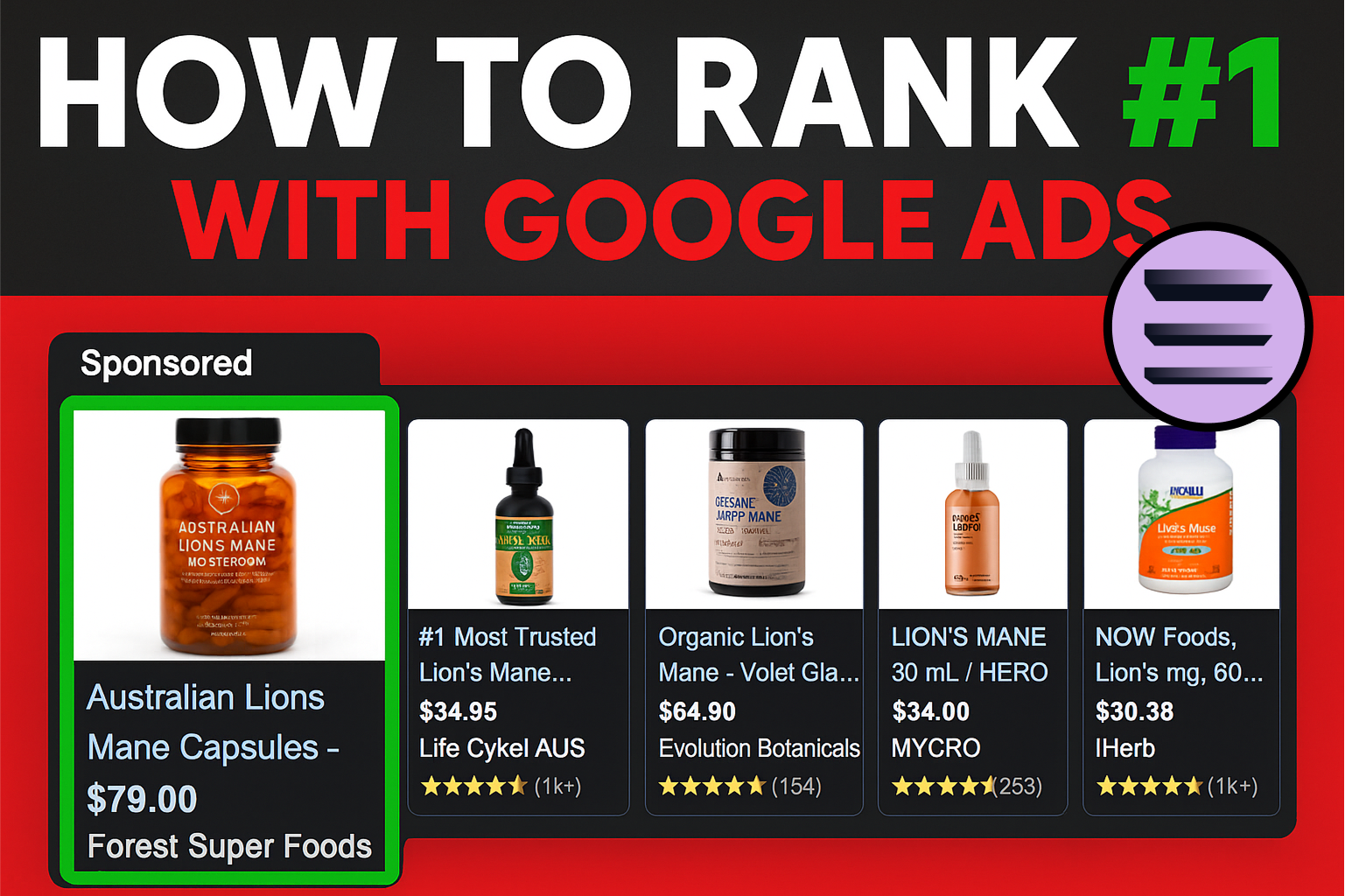
How to Rank #1 on Google Ads: Complete Shopping & Search Guide 2025
.png)
Learning Google Ads in 2025: The Roadmap Nobody Talks About
%20(1).png)
What Makes a Google Ads Specialist Worth $10,000/Month?

Why Cheap Google Ads Consulting Costs You $180,000+ in Lost Revenue
.png)
Why 99% of Google Ads Experts Fail (& How to Find One That Won’t)
.png)
5 Google Product Feed Fixes for eCom Growth
.png)
Google Ads Campaign Structure: Why 95% of Brands Waste Budget on Mixed Traffic

In-House vs Agency Google Ads: Which Delivers Better ROI in 2025?
.png)
How to Scale Google Ads With a Small Budget | Setup and Optimization

Google Shopping Optimization: 11 Proven Tactics for Maximum ROAS
%20(3).png)
eCom Growth Strategy: How We Scaled a Supplement Brand From $1.9M to $8.6M With Google Ads
%20(4).png)
Google Merchant Center Fix: How to Improve Rankings With Accurate Shipping Times

CTR Is Misunderstood by 95% of the PPC Industry (What to Optimise for Instead)
.png)
Google Ads AI | Manual vs Automated Campaign Performance

Complete YouTube Ads Guide 2025 | 3 Formats, 5 Principles, Proven Results
%20(2).png)
eCom Growth Strategy With Google Ads in 2025
.png)
Google Marketing Live 2025: 11 Key Takeaways for Marketers
%20(1).png)
YouTube Advertising Strategy: How to Drive Results Across Every Format
Google Shopping Feed Optimisation: Tips for Better Results

How Long Does it Take for Google Ads to Work?

YouTube Ads Analytics 101: Key Metrics and How to Use Them

Search Ad Strategies to Maximize Sales with Google ads for eCommerce (2024)

2025 Google Shopping Ads: Ultimate Guide, Benchmarks, and Pricing Breakdown

Maximizing ROI with Advanced Google Shopping Bid Strategies and Automated Bidding